
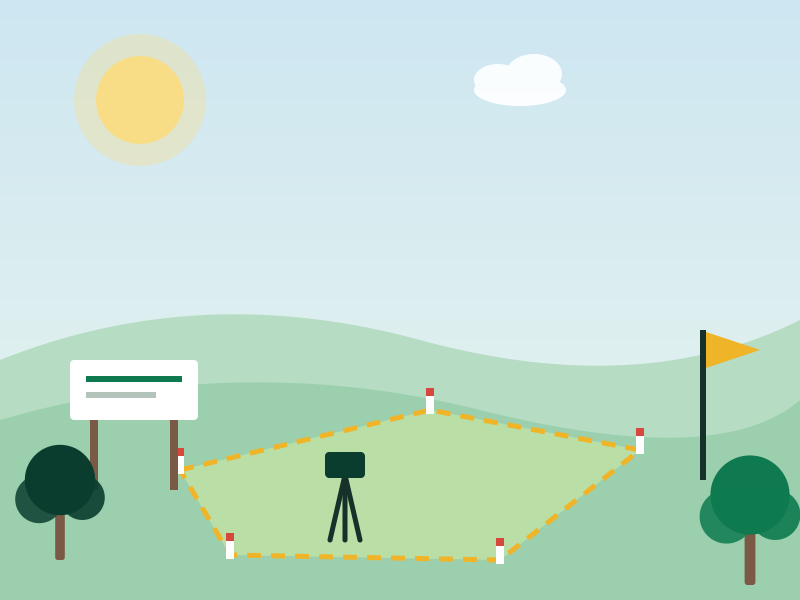
Multiple parcels, one survey
Draw more than one boundary on the same site and see each parcel's area alongside the combined total.
Free for architects, surveyors and property professionals
Draw a boundary on a map and get its area instantly, in square metres, square feet, acres or hectares.
Built for architects, land surveyors, developers, property owners and anyone else who needs to measure and document land, whether or not the parcel is listed on GetLegacyHomes.
Land Survey Studio is a mapping tool built to be used on real projects. It uses OpenStreetMap and the same mathematics behind professional mapping software to calculate area, so the numbers hold up.
It is independent of any single listing or company. A surveyor documenting a client's plot, an architect checking a site before a design, or a family confirming the size of land they are about to buy can all use it the same way.
Every saved survey keeps its boundaries, documents and history together, so nothing has to be tracked separately.
Draw more than one boundary on the same site and see each parcel's area alongside the combined total.
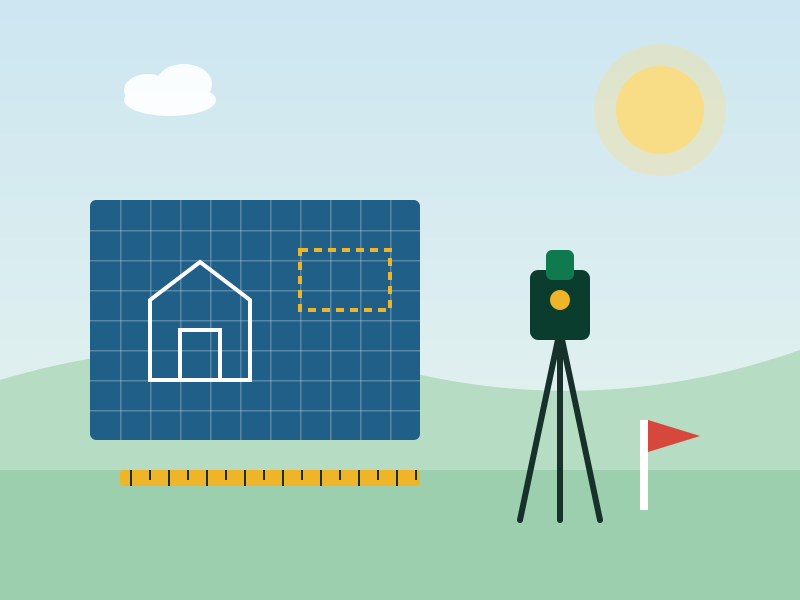
New corners snap to nearby boundary corners and edges, so adjoining parcels line up instead of drifting apart.

Generate a boundary plot with a scale and north arrow, plus a coordinates table, ready to print or save as a PDF.

Attach title deeds, Certificates of Occupancy, survey plans, permits and site photos to the survey they belong to.

Every survey saved, document added and report opened is logged, so a project's history is never lost.
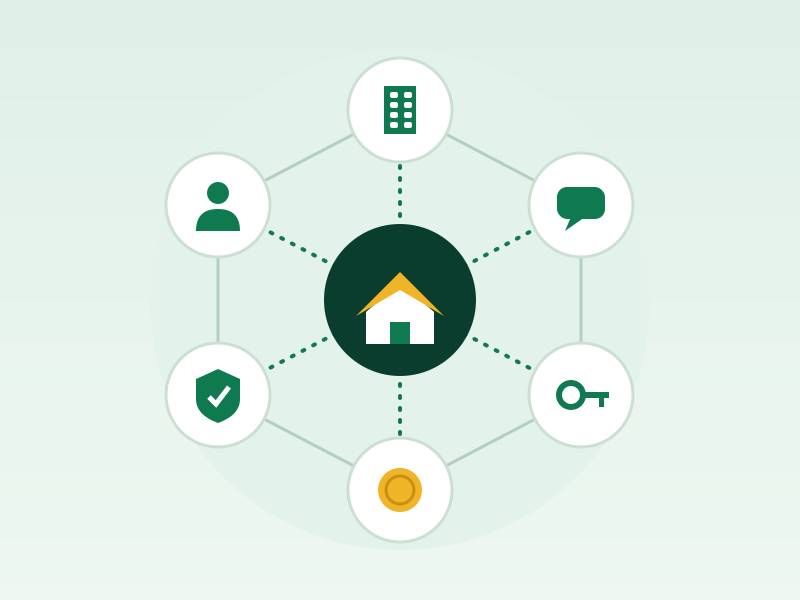
Runs on OpenStreetMap and open mapping libraries. No licence fee, no subscription and no account limits.
The whole process happens in the Studio, in one browser tab.
Search an address or use your current location to centre the map on the plot you want to survey.
Trace the parcel on the map. Corners snap to nearby boundaries automatically, and you can draw more than one parcel.
The area updates instantly in square metres, square feet, acres and hectares as you draw.
Add the title deed, Certificate of Occupancy, survey plan or site photos that belong with this parcel.
Save the survey to keep it in your own record, or print a report to hand to a client or colleague.
Not limited to GetLegacyHomes listings
Whatever you are working on, whether or not it ever touches GetLegacyHomes, the Studio is there to measure it properly.
A few things people usually want to know before they start.
No. The area shown is calculated from a boundary drawn on a map, so treat it as a reliable estimate rather than a legal survey. For anything with legal or financial weight, a registered surveyor should confirm the figures.
You need an account to save a survey, attach documents or see your history, but the tool itself is not tied to any listing. It works equally well for land that has nothing to do with GetLegacyHomes.
Yes. It is built on free, open mapping tools, with no licence fee or subscription.
Yes. Every survey you save stays in your own record, each with its own parcels, documents and history.
No setup, no subscription. Open the Studio and start drawing.
Your post will be reviewed before it appears on the site.
Join in a few seconds. We will email you a secure link to verify your address and set your password.
Check your email for a secure link to verify your address and set your password. You can sign in after completing that step.
Free to play. Prizes are limited - see terms before playing.
This game is only available to signed-in GetLegacyHomes members. Please visit our sign-up page to create a free account, then come back here to flip a card.